
Play on Stakes777 from a smartphone or tablet device
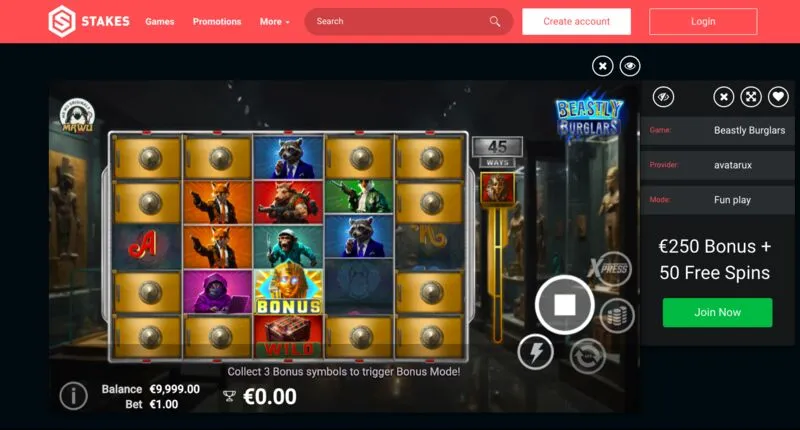
Playing on Stakes777 from a smartphone requires no download: the platform works directly through your mobile browser, whether you’re using Safari, Chrome, or any other popular browser. This page explains how to access the Stakes777 casino from a phone or tablet and what you need to know about device compatibility.
Signing up on a mobile device is the same as on the desktop site: all you need is an email address, name, and password, followed by an email confirmation before you can start playing. The interface automatically adapts to the resolution of the screen you’re using.
Compatibility by Operating System
|
System |
Minimum Version Required |
|
iOS |
11 and later |
|
Android |
7.0 and later |
What the mobile version offers
- A touch-optimized interface designed for small screens
- The same game options as on a computer
- Direct access to deposits, withdrawals, and bonuses
Access the casino from a mobile device
- Open the browser on your smartphone or tablet
- Go to the official Stakes777 website
- Log in or create an account
- Add the page to your home screen for faster access
Having trouble signing up on your mobile device? Check out our step-by-step guide to signing up at Stakes777.
Important
: On a shared device, be sure to log out after each session and enable two-factor authentication for added security.
